macOS
Notarized. Open the DMG and drag CompozyOS to Applications.
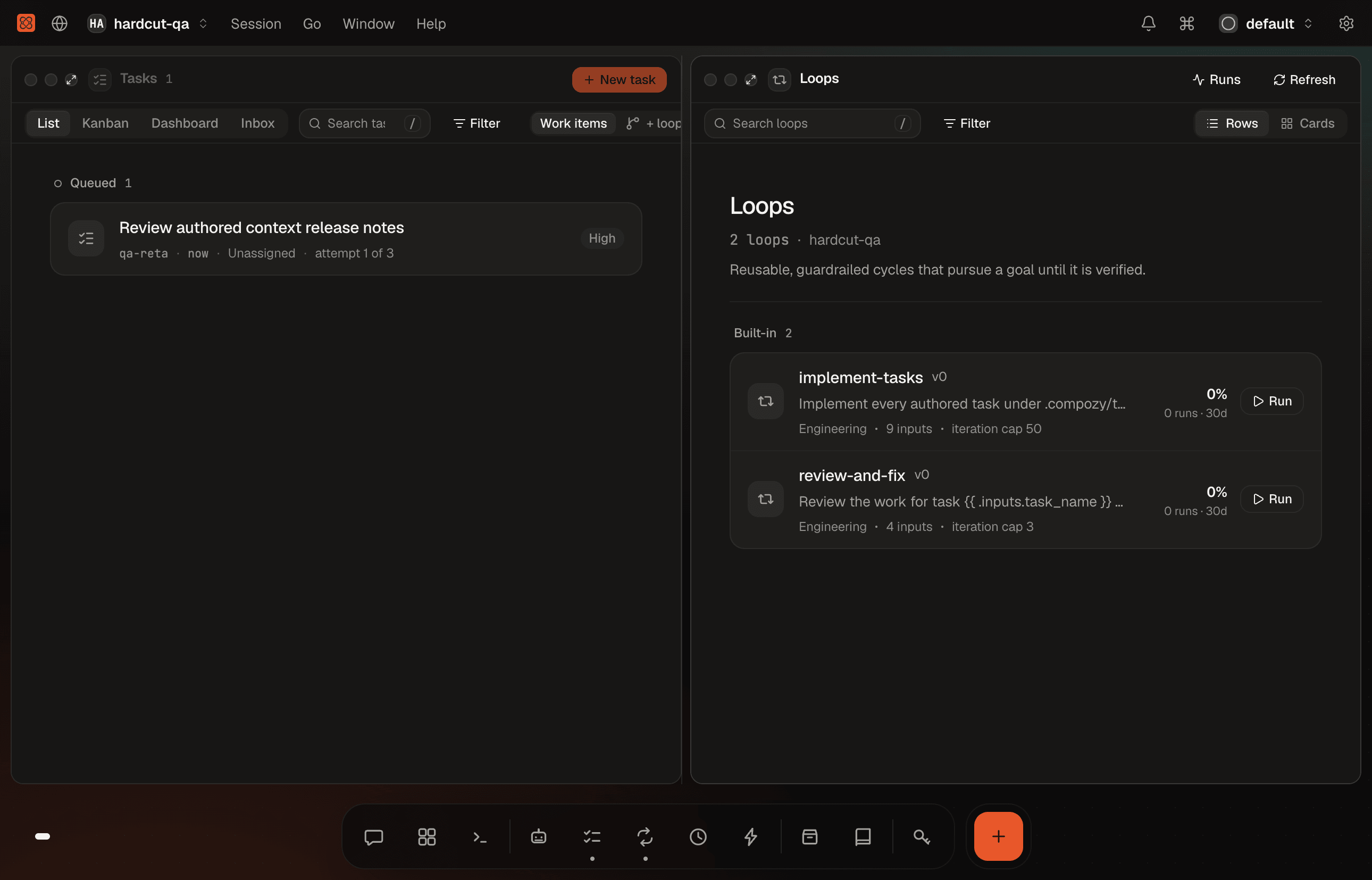
The app carries its own runtime. Open it and it attaches to the daemon already on your machine, or installs and starts the one inside the app. Your workspaces, sessions, and automations, in one native window.
On an Intel Mac? Download the Intel build
Packages for v0.5.3, straight from GitHub Releases. The app checks for updates to itself and to the runtime it manages.
Notarized. Open the DMG and drag CompozyOS to Applications.
The AppImage updates itself in place. To update a .deb install, install the newer .deb over it.
There is no desktop app for Windows yet.
Each release includes the compozy command for Windows x64 as a ZIP archive. Installing it is a manual step for now.
Run the same runtime headless, on a server, or from scripts. The desktop app and the command share one daemon and one ~/.compozy home, so you can use both.
$ curl -fsSL https://compozy.com/install.sh | sh$ brew install compozy/compozy/compozynpm, a pinned Go release, and Linux packages are covered in the installation guide.